
Blogs
Apr 14, 2026
The Ultimate Guide To Unity Game Development
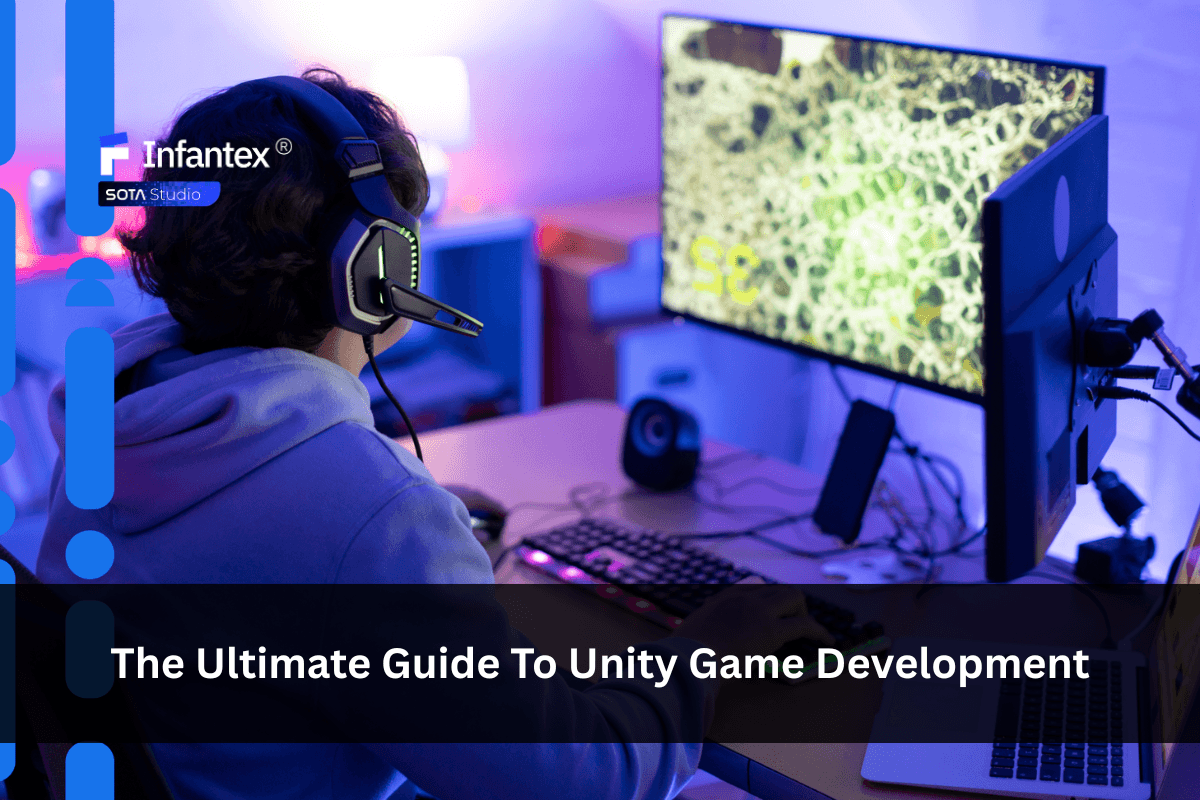
Game development has never been more accessible, yet building a successful game still requires the right tools, processes, and expertise. Among the many engines available today, Unity stands out as one of the most versatile and widely adopted platforms for both beginners and professional studios. In this comprehensive guide, you’ll learn everything you need to know about Unity game development from fundamentals and workflows to advanced strategies that help you bring your game idea to life efficiently.
What Is Unity Game Development?
Unity game development refers to the process of building interactive games using the Unity engine, a cross-platform development environment that supports 2D, 3D, AR, and VR experiences. Unity uses C# programming and provides a powerful editor, asset pipeline, physics engine, and rendering systems that allow developers to build and deploy games across multiple platforms with a single codebase.
Why Choose Unity for Game Development?
Unity is a top choice for making games because it’s flexible, easy to learn, and works on almost any device. It gives creators everything they need to build high-quality 2D and 3D games that look great and run smoothly.
1. Cross-Platform Development Unity allows developers to build once and deploy across multiple platforms. This significantly reduces development time and cost, especially for studios targeting mobile and PC simultaneously.
2. Real-Time Rendering Unity’s rendering engine supports both high-quality 3D visuals and lightweight 2D graphics. With pipelines like URP (Universal Render Pipeline) and HDRP (High Definition Render Pipeline), developers can tailor performance vs. visual fidelity.
3. Asset Store Ecosystem The Unity Asset Store provides pre-built assets such as:
- Characters and environments
- UI kits
- Sound effects and music
- Scripts and plugins This helps accelerate development and reduce production overhead.
4. Strong Physics Engine Unity includes built-in physics systems for both 2D and 3D, allowing realistic interactions such as collisions, gravity, and movement.
5. AR/VR Support Unity is widely used for AR/VR projects, supporting platforms like Oculus, HoloLens, and mobile AR frameworks.
Read more: AR and VR Technologies Transforming Game Development
The Unity Game Development Workflow
A structured workflow is essential for managing complexity and ensuring consistent progress. While each project may vary, most Unity development pipelines follow a similar structure. The process typically includes:
Concept and game design Every successful game begins with a clear concept. This stage is not just about having an idea, it’s about shaping that idea into something actionable and aligned with market demand. At this point, teams typically define:
- The core gameplay loop (what players do repeatedly)
- Target audience and platform (mobile, PC, console)
- Art style and overall game vision
- Monetization strategy (ads, in-app purchases)
These elements are often documented in a Game Design Document (GDD), which acts as a reference for the entire team. A well-prepared GDD reduces miscommunication and ensures that designers, developers, and artists are aligned from the beginning.
Prototyping Once the concept is defined, the next step is prototyping. This is where ideas are quickly turned into a playable version, focusing only on the core mechanics. In Unity, prototyping is especially efficient because developers can rapidly assemble scenes, apply basic physics, and script interactions without worrying about polish. The goal here is simple: test whether the game is actually fun. At this stage, speed matters more than quality. Teams should avoid spending too much time on visuals or detailed systems. Instead, they should iterate quickly, gather feedback, and refine the gameplay loop. If the prototype fails to engage players, it’s far easier to pivot here than later in production.
Production (art and development) Once the prototype is validated, the project moves into full production. This is the most resource-intensive phase, where all components of the game are developed and integrated. Production in Unity usually involves parallel workflows:
- Game development: Implementing systems such as player mechanics, AI behavior, level logic, and progression systems using C#
- Art creation: Designing 2D or 3D assets, animations, environments, and visual effects
- UI/UX design: Building intuitive interfaces and ensuring smooth player interaction
Testing and QA Testing is not a one-time step at the end of development, it should be integrated throughout the entire workflow. Continuous QA helps identify issues early, when they are easier and less expensive to fix.
Optimization Optimization is a critical step, particularly for mobile and cross-platform games. Even a well-designed game can fail if it performs poorly on target devices. In Unity, optimization focuses on improving efficiency without compromising quality. This often includes:
- Reducing draw calls and improving rendering performance
- Compressing textures and optimizing asset sizes
- Managing memory usage effectively
- Ensuring stable frame rates across devices
Launch and deployment The final stage of the workflow is preparing the game for release. Unity simplifies this process by allowing developers to build for multiple platforms from a single project, but successful deployment still requires careful preparation. Beyond the technical side, launch is also closely tied to marketing. A well-timed release, supported by strong promotion, can significantly impact a game’s success. Although often overlooked, post-launch is an increasingly important part of the Unity game development lifecycle. Modern games are rarely “finished” at launch—they continue to evolve based on player feedback and data. This ongoing process, known as LiveOps, helps extend the lifespan of a game and maintain player engagement over time.
Best Practices for Unity Game Development
Building a successful Unity game requires more than technical knowledge. It also involves making the right strategic and architectural decisions throughout development.
Some best practices to keep in mind include: -Adopt a modular architecture: Breaking systems into reusable components improves maintainability and makes it easier to scale or update the game later. -Optimize throughout development: **Performance should be monitored continuously rather than treated as a final step. Early optimization prevents costly rework. -Use assets strategically: While pre-built assets can save time, consistency in art style and quality is essential to maintain a polished experience. -Focus on player retention: Beyond functionality, the game must engage players. Strong onboarding, rewarding progression systems, and smooth gameplay loops are critical.
Common Mistakes in Unity Game Development
Many Unity projects don’t fail because of the engine. They run into trouble because of small mistakes that build up over time. These problems often don’t show up early, but appear later when they are harder and more expensive to fix, especially for mobile games.
Ignoring performance early: Performance is often treated as something to fix later instead of a core part of the design. This leads to frame drops, lag, and stability issues that are much harder to solve once the game is already built.
Uncontrolled asset growth: As more assets are added, there isn’t always strict control over file size, memory usage, or versioning. Over time, this can result in large builds and inconsistent performance, which is a common issue in mobile Unity projects.
Overbuilding core features: Some teams build systems for future possibilities instead of focusing on what the game needs right now. This adds unnecessary complexity, slows down development, and makes even small changes more difficult.
Late mobile optimization: Mobile optimization is often pushed to the final stage. When that happens, teams are forced to rush fixes, cut features, or accept unstable performance just to meet deadlines.
Lack of consistent testing: Builds are not regularly validated across a representative range of devices. This allows bugs and performance regressions to accumulate unnoticed until they become major blockers near release.
How to Choose the Right Unity Game Development Company
Choosing the right Unity development partner can have a long-term impact on your project. It’s not just about who can build the game, but who can help you maintain quality, avoid technical issues, and scale smoothly over time.
-
Look beyond the portfolio: Visual quality is important, but it doesn’t show how a team actually works. Try to understand how they manage projects, organize code, and keep development structured.
-
Prioritize early performance planning: For mobile games, performance should be considered from the beginning. Teams that wait until the final stage often face limitations that are hard to fix.
-
Understand their working model: Some studios handle everything end-to-end, while others work alongside your internal team. Choosing the right setup helps avoid confusion and keeps development aligned with your goals.
-
Check their experience after launch: If your game needs updates, events, or long-term support, the team should be familiar with handling live operations and continuous improvements.
-
Make sure they plan for platforms early: Different platforms have different requirements. A good team will plan for this early instead of adjusting everything at the end.
-
Evaluate how the team is organized: Clear roles between developers, artists, QA, and backend teams make collaboration smoother and reduce risks during development.
Final Thoughts
Unity game development offers a powerful and flexible foundation for building modern games. Its ability to support multiple platforms, combined with a strong ecosystem and continuous innovation, makes it a reliable choice for developers at all levels. If you’re planning to build a Unity game and want to move faster, Infantex can help bring your idea to life. With strong experience in Unity’s real-time engine, the team focuses on developing 2D, 3D and AR/VR games that are interactive, high-performing, and ready for cross-platform deployment. Contact us at sale@infantex.io or visit infantex.io for a free consultation.
Services
Full-Cycle Game DevelopmentWeb3 Game DevelopmentGame Art & UI/UXDedicated Game Development TeamContact us
- Address
- 16F, MD Complex Tower, 68 Nguyen Co Thach Street, Tu Liem District, Ha Noi Capital, Vietnam
- sale@infantex.io
- Phone/WhatsApp/Zalo
- +84964081619
© Copyright 2026 Infantex . All rights reserved.